How I capture ideas, shape them, and ship... without drowning in tabs.
Hey there 👋
If you’ve been here before, you know I care about two things: momentum and clarity. Velonova is my way of building both - across product strategy, UX, and the very real “how do we ship this?” day-to-day.
People sometimes ask: “How do you produce so much across clients, mentoring, writing, and research - without losing the plot (and your mind 🙈)?”
Short answer: systems + tools. As extensions of how I think.
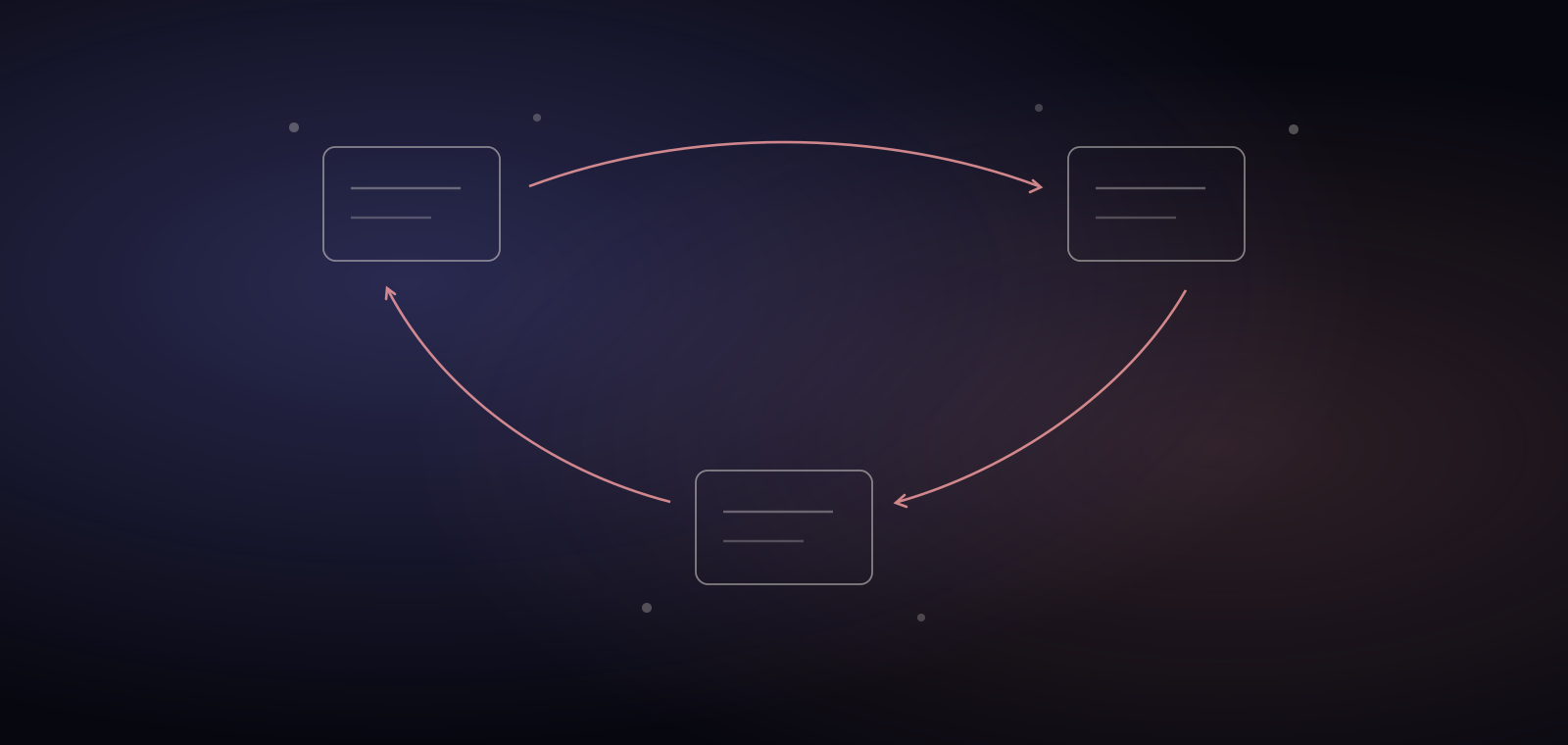
Below is the main stack I actually use every day, why it works for me, and how it all connects in a simple loop: capture → shape → ship.
What does a working PM's tool stack look like in 2026? My simple loop
- Capture 📸: ideas, inputs, research, meeting notes
- Shape ⚪: structure, flows, drafts, designs, decisions
- Ship 🚢: assets, comms, handoffs, follow-ups
I don’t worship tools. I measure them by one question: Do they reduce drag?
Capture: how do I collect ideas and feedback?
Notion → my external brain
Everything lands here first: content pieces and calendar, outreach CRM, meeting agendas, product frameworks, reading notes, tool libraries, course ideas.
Why it stays: flexible databases + frictionless pages. I can go from a random thought to a repeatable template in 60 seconds.
Notion AI Meeting Notes → calls that remember themselves
Auto-summaries and action items after a call save me ~30 minutes per 60-minute session.
So what? Fewer context gaps, faster follow-ups, better trust.
Glasp + Monica → fast video digestion
Glasp for YouTube summaries. Monica for transcripts + outlines.
Use case: prep for a domain in 15 minutes instead of an hour.
Crunchbase & Similarweb (extensions) → quick reality checks
Company basics, investments, news, traffic, and geography in seconds.
Use case: due diligence before a prospecting call.
Shape: how do ideas become plans?
Miro & Figjam→ flows and plan building
I map user journeys, onboarding, and “what must happen to reach activation?” decisions.
Why not only Figma? Miro and Figjam is better for thinking; Figma is better for making.
Figma → wireframes to design systems
Low-fi to high-fi. Component discipline keeps teams aligned.
Microcopy note: I write strings in context. It prevents vague labels and “mystery buttons.”
Google Suite → backbone of collaboration
Gmail, Docs, Sheets. Nothing glamorous, always reliable.
Rule: one doc = one owner = one decision. Fewer “v2_final_final” files.
Slack + Google Chat → client channels
Different clients prefer different tools. I adapt per needs.
Guardrail: async first, decisions summarized in Notion or Slack Canvas.
Canva & Gamma.app → presentations that don’t waste time
Canva for quick, on-brand visuals.
Gamma when I need AI-drafted deck structure fast.
Outcome: clear story in fewer slides, earlier.
Ship: how does the work get out the door?
Zoom & Google Meet → conversations > assumptions
Most work clears up in 20 minutes of real talk.
Habit: I send a 3-bullet recap after every important call. People remember aligned bullets.
Loom → show, don’t tell
Fast explainer videos for clients or mentees. I record walkthroughs of flows, onboarding friction, or design feedback.
Outcome: people see the issue, not just read about it. Saves back-and-forth.
Veed.io → simple edits, captions, and shareables
Short explainers, walkthroughs, and social snippets.
Rule: if it takes more than 30 minutes, I’m over-producing.
How do I use ChatGPT, Claude, and Perplexity as a PM? The AI layer
GPT → my “agentic” partner
I run structured project agents with instructions: brand voice, audience, constraints, success metrics.
What I use it for: research, PRD sections, UX flows and microcopy, interview scripts, QA of my own logic.
Claude → long, thoughtful passes
Great for UX rationale and rewrites when I want warm, human flow. Use it also for my second blog "Coffee With Tanya".
Perplexity → research with receipts
When I need sources and a crisp landscape view fast.
Midjourney → visuals for content
Images for blogs, content, post headers, and quick concept imagery.
Google Notebook LM → long docs, mindmaps, light analysis
When the doc is big and I need structure without losing nuance. Its recent Mindmaps feature is also super helpful.
Lovable & Base44 → prototypes and landing pages
From idea → testable thing in hours. Clients love clickable clarity.
Added my Github account and voila, they can use it locally ad adapt.
Chrome crew (small things, big leverage)
- Wordtune & Grammarly → clarity passes when I’m too close to the text
- Loom / Arcade → record flows; people see the friction
- Merlin → in-browser AI nudge for rephrase/research
- Pomodoro → 25/5 keeps me honest (and fed)
- Color Picker → grab the exact hex from anywhere
- Authenticator → quick, secure 2FA for all my accounts
- Brain.fm → science-based focus music to stay in deep work mode
A day in tools (real example) ▶️
- Discovery call on Google Meet → Notion AI Meeting Notes summary drops into the Notion project.
- I outline goals in Notion, draft the onboarding flow in Miro, then wireframe the tough moments in Figma.
- Use Perplexity to validate benchmarks and best practices, GPT to sharpen microcopy, Claude for a smoother narrative.
- Build a lean deck in Canva, record a 2-minute Loom to walk through decisions or prototypes.
- Ship. Recap bullets in Slack. Next steps live in Notion. Everyone knows the “why.”
This takes hours, not days, because the handoffs are designed.
How many tools does a PM actually need?
Three to six core ones, honestly. One source of truth for notes and decisions, one canvas for flows, one place where communication lives, plus an AI assistant. Everything past that must earn its keep by removing drag. My full stack above looks long, but each layer answers the same question: does this reduce friction this week? If not, it goes.
Principles that matter more than the tools
- One source of truth. (Notion)
- Think in flows, not pages. (Miro → Figma)
- Decide in writing. (Docs + 3 bullets)
- Show, don’t tell. (Loom, Veed)
- Automate the boring. (Notion AI Meeting Notes, templates, agents)
If a tool doesn’t reduce drag, it’s gone.
Wrapping it up
I don’t believe in perfect stacks. I believe in stacks that fit your brain 🧠.
Mine helps me capture faster, decide clearer, and ship sooner without burning out on process.
There's also a sixth layer I didn't list above: the tools I built myself. After rebuilding the same six spreadsheets at every job, I turned them into the Product Toolkit, and the story of where each one came from is its own edition. For how the whole toolkit era evolved, from spreadsheets to AI, see From Excel to the AI Stack.
If you want help building a lean system for your team (or just want to peek under the hood), let’s talk.
- Book a call
- Connect on LinkedIn
- Subscribe for more product + UX + growth notes
If you found your way here through a forward... Welcome! Subscribe for more insights on product, design, and the magic behind great software.