A RICE score is (Reach × Impact × Confidence) ÷ Effort. Reach is how many people an item affects in a period, Impact is scored 3, 2, 1, 0.5 or 0.25, Confidence is 100%, 80% or 50%, and Effort is person-months. The higher the score, the more value per unit of work.
TL;DR
- The maths is simple, and several free calculators do it well. Some rank a whole backlog and need no account.
- Among the free tools I checked, none writes a reason per item, compares other frameworks on the same backlog, or exports a PDF.
- If the ranking is all you are after, a free tool is enough. If it will be challenged in a roadmap review, that is the gap PrioritizePro fills, for ₪99 once.
- Prices and features below were checked on the vendors' own pages on November 23, 2026.
How do you calculate a RICE score?
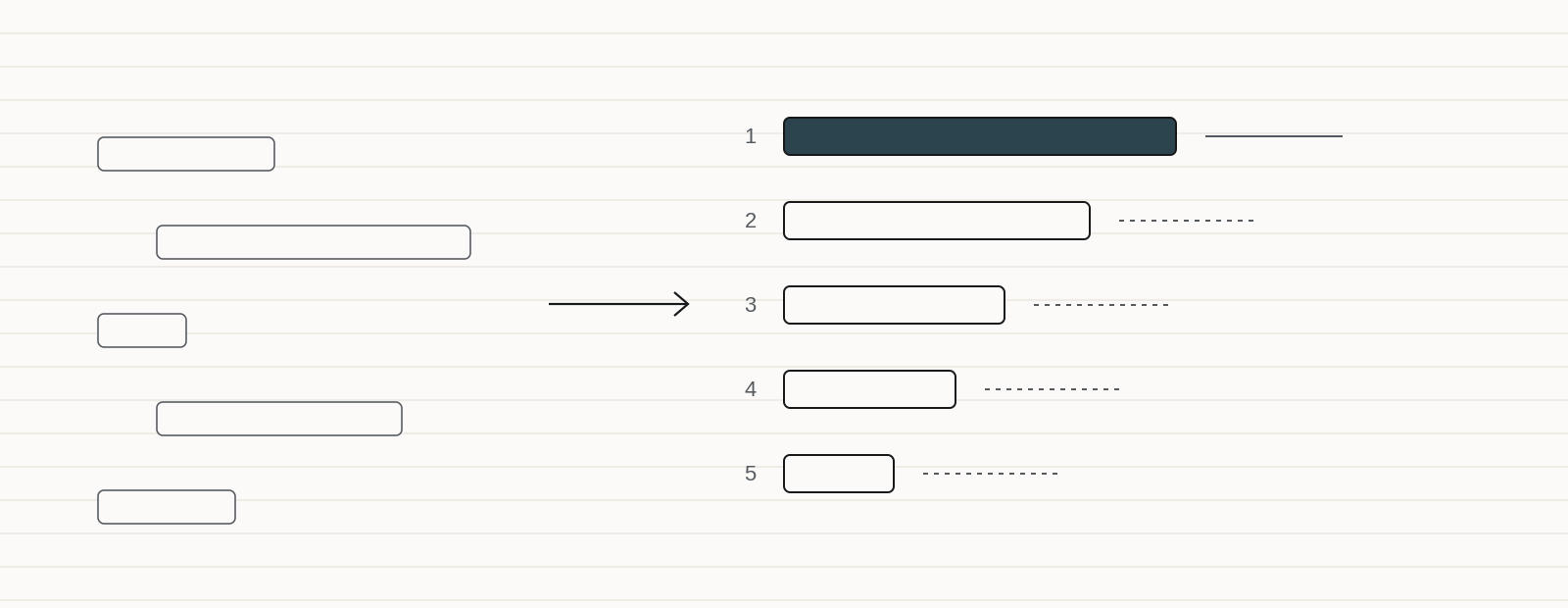
Multiply Reach by Impact by Confidence, then divide by Effort. Reach is people or events per period, such as customers per quarter. Impact uses Intercom's scale of 3 (massive) to 0.25 (minimal). Confidence is 100%, 80% or 50%. Effort is person-months. The result is value per unit of work, and it only means something next to other items scored the same way.
A worked example. "SSO for enterprise" reaches 400 accounts a quarter, has high impact (2), medium confidence (80%) and takes three person-months: 400 × 2 × 0.8 ÷ 3 = 213. "Dark mode" reaches 2,000 users, has minimal impact (0.25), high confidence (100%) and takes one person-month: 2,000 × 0.25 × 1 ÷ 1 = 500. The formula ranks dark mode higher. Whether that survives a conversation with sales is a different question, and it is the one RICE does not answer by itself.
The method comes from Intercom, where Sean McBride described it in RICE: Simple prioritization for product managers.
Free RICE calculators and templates, compared
These five came up most in searches for a free RICE calculator or template. I read each page on November 23, 2026. Usage numbers are not public for most of them, so the order is not a ranking.
| Tool | Kind | Whole backlog | Reason per item | Export | Account |
|---|---|---|---|---|---|
| ProductLift RICE Calculator | Web calculator | Yes, with CSV import | No | CSV | Not needed |
| ProductLift Sheets / Excel template | Spreadsheet | Yes, sorted | No | Sheets or Excel | Google account to copy |
| Miro RICE template | Whiteboard | Yes, formula fields | No | Low-res on the free plan | Miro account |
| IdeaPlan RICE Calculator | Web calculator | Yes, ranked | No | Not confirmed | Not stated |
| Figr RICE Calculator | Web calculator | Yes, sorted | No | Table export | Not needed |
- ProductLift's calculator is free and needs no signup, but it scores on 1 to 10 scales rather than Intercom's, so its numbers will not match a standard RICE score.
- A spreadsheet is the best free option for a live scoring session: everyone edits and comments in one place. The ProductLift sheet sorts only the first hundred rows as written.
- Miro keeps the scores next to the research on one board. The free plan allows three editable boards and low-resolution export.
- IdeaPlan and Figr use Intercom's scales, sort automatically and come with good explanations of RICE and its limits.
- Paid roadmap tools such as airfocus and Productboard had no free plan on their pricing pages that day.
When is a free RICE calculator enough?
A free calculator is enough when the ranking is all you are after and the team trusts the inputs: a small backlog, one framework, and a decision you can explain in the room. Use a spreadsheet when several people score together. The free tools stop at the number, so anything you want to show afterwards, you write yourself.
What does PrioritizePro add, and what doesn't it do?
PrioritizePro starts where the number stops: it scores a pasted or uploaded backlog and writes a short reason for every rank, so the ranking can be defended, not only computed. It runs RICE, ICE, MoSCoW, Kano, Cost of Delay (WSJF) and Eisenhower, and you can compare frameworks side by side on the same backlog.
- Adds: a rationale per item, six frameworks on one backlog, uploads (spreadsheet, PDF, Word, CSV), a PDF export, a read-only share link, and saved sessions.
- Doesn't: it has no free version, and it is not a live multiplayer board. If ten people score together in real time, a shared spreadsheet still wins.
- Price: ₪99 (about $27), once, no subscription. It is also part of the six-tool toolkit at ₪399.
There is a short video of a real run, and a sample of the output, on the PrioritizePro page.
FAQ
Is a RICE score better than ICE?
RICE is more precise because it separates Reach from Impact and asks for Effort in real units, so it suits backlogs where items reach very different numbers of people. ICE (Impact, Confidence, Ease) is faster and works for early ideas where reach is a guess. Many teams run both and look at where they disagree.
What is a good RICE score?
There is no good score on its own. A RICE score only means something next to other items scored by the same team, with the same scales and the same time period. Compare items within one backlog, and re-score when the inputs change.
Can you calculate RICE in Google Sheets?
Yes. Put Reach, Impact, Confidence and Effort in four columns and score with =A2*B2*C2/D2, then sort by the result. A shared sheet is the best free option when several people score together, though you will write the reasoning for each item yourself.
Is there a free version of PrioritizePro?
No. There is no free version or free tier. You can watch a short video of a real run and read a sample of the output on the PrioritizePro page before you decide. It costs ₪99, once.
Where to go from here
Score your top ten items with the formula above, in whichever free tool suits the team. If two items end up close, or the ranking will be questioned, that is where a written reason per item pays off, and where PrioritizePro helps. For choosing between RICE, MoSCoW, Kano and Eisenhower in the first place, see which prioritization framework to use.
Enjoyed this? Get the next edition in your inbox.
Subscribe